StoneySteam
A downloadable tool for Windows
Stoney Steam — Your Steam library, reimagined
A standalone, local-first Windows app for exploring and managing your Steam library without living in Steam’s default Library view. Stoney Steam reads your local Steam data—nothing requires a server or your Steam password.
- Home — A personalized dashboard for recently played games, games close to achievement completion, screenshot memories, and rediscovery picks.
- Index — A fast, familiar library grid with artwork, search, sorting, filtering, hidden-game support, and game pages.
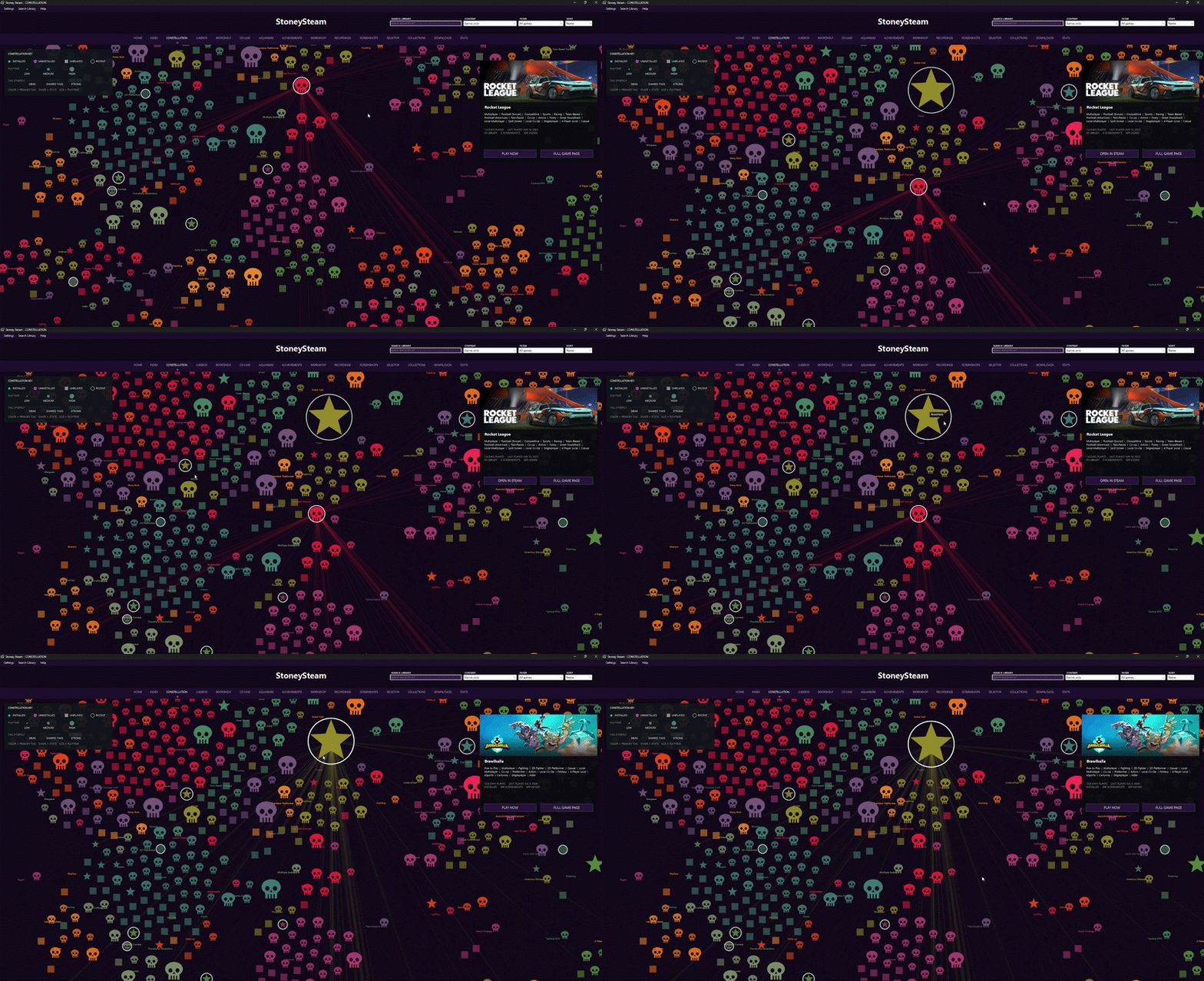
- Constellation — Explore your library as a pannable, zoomable visual map. Games cluster through shared tags and genres; dot shape, color, size, spacing, lines, and layout are customizable.
- Jukebox — Browse your whole library through a smooth, kinetic album-style carousel.
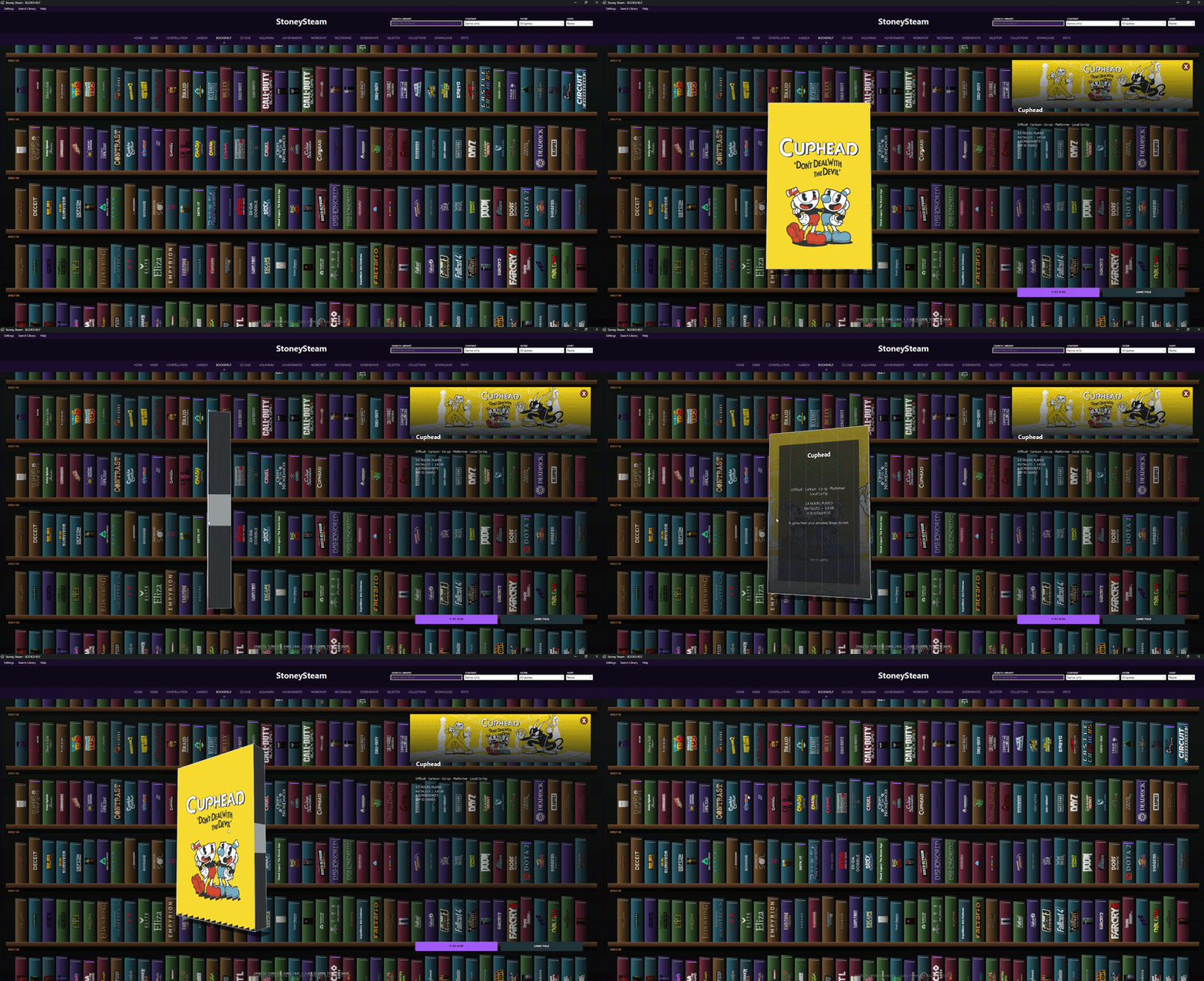
- Bookshelf — Navigate physical-looking game spines, pull out jewel cases, rotate them in 3D, and inspect game details.
- CD Case — Browse your collection as a CD book, with interactive discs and game artwork.
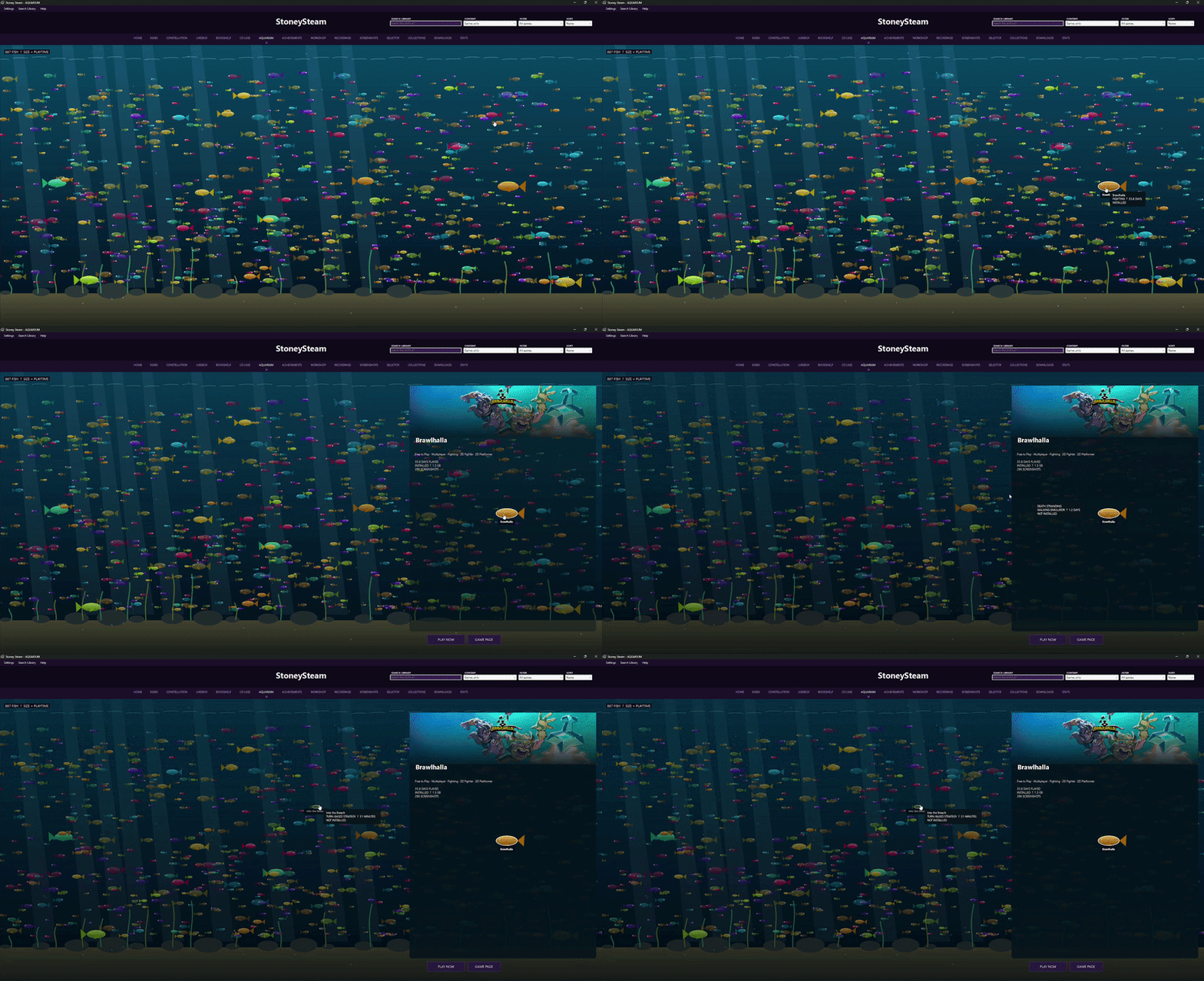
- Aquarium — Your games become swimming fish. Larger fish represent more playtime, with settings for labels and motion behavior.
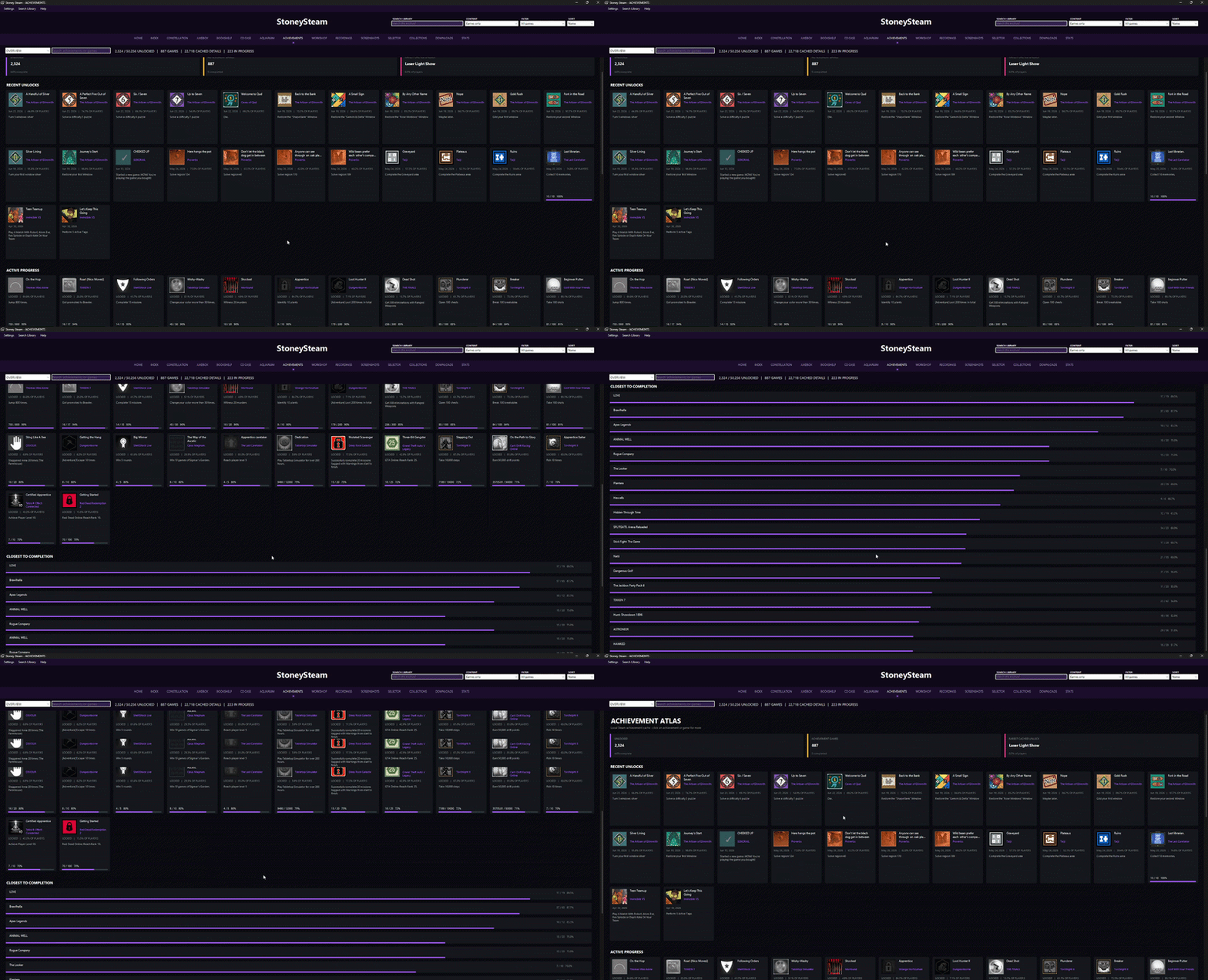
- Achievements — View unlocked, locked, and in-progress achievements; see completion by game, recent unlocks, progress bars, rarity data, and open game-specific achievement views.
- Workshop — Browse locally subscribed Steam Workshop items, filter by installed games, and open their Steam pages or local folders.
- Recordings — Find and play local Steam game recordings, filter them by game, and jump straight to the relevant game page.
- Screenshots — Browse, sort, and filter your local Steam screenshots by game, date, and size.
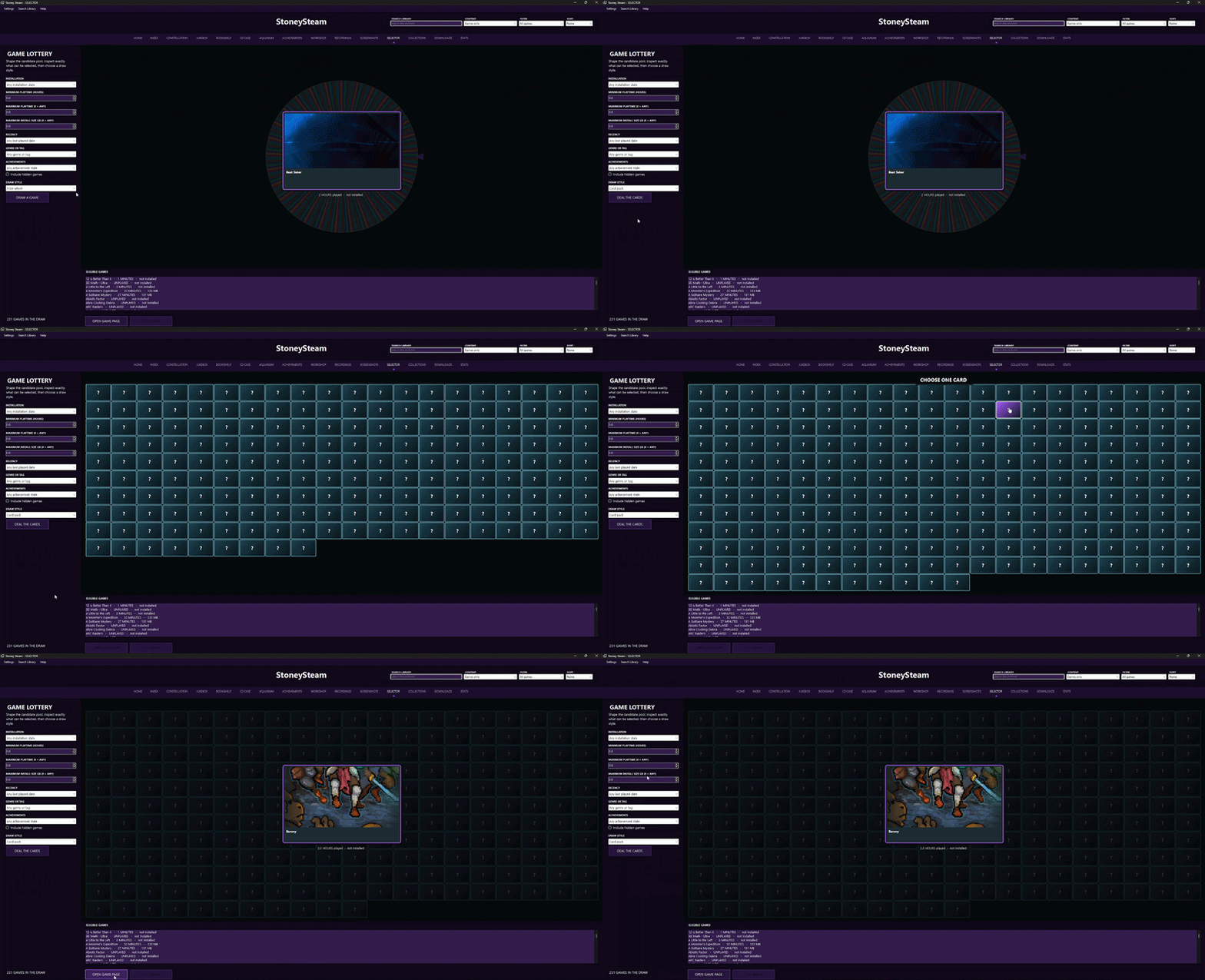
- Selector — Let Stoney Steam choose what to play next through a prize wheel, case-opening style draw, or card-pack reveal. Filter the eligible games by install status, genre, tags, playtime, achievements, and more.
- Collections — Import Steam collections as read-only references, then build richer Stoney Steam collections with custom artwork, manual picks, and smart rules such as installed status, playtime, tags, genres, and achievement completion.
- Downloads — See Steam’s local download state in one place: downloading, ready, and unscheduled items, with artwork, game-page links, and access to Steam’s download controls.
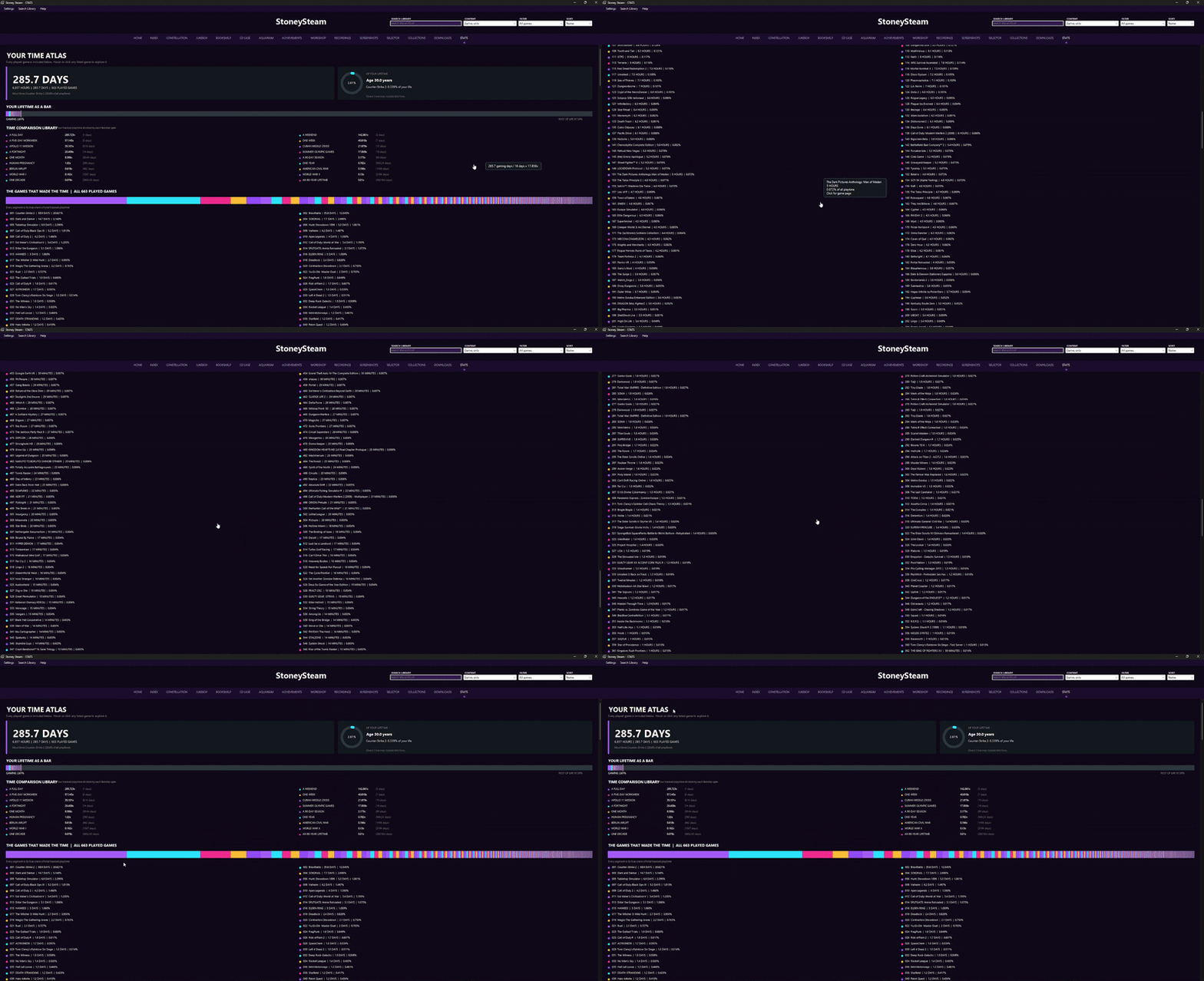
- Stats — Turn your full library history into an interactive playtime atlas: total time played, lifetime comparisons, every game’s contribution, genre breakdowns, visual charts, and real-world time comparisons.
- Game Pages — Every game has a focused page with banner art, logo, playtime, last played date, install status and size, screenshots, achievements, tags, library details, and quick actions to play or open it in Steam.
- Customization — Choose themes, rename the app, set a default tab, start fullscreen, control visible tabs, select a Steam folder manually, and tailor each visual library mode to your taste.
Download
Click download now to get access to the following files:
Leave a comment
Log in with itch.io to leave a comment.